Sign this SWMS on your phone
You've been sent a SWMS to sign.
Already able to sign PDFs on your phone? Follow the steps below. You don't need anything else.
- Open the PDF you were sent.
- Add your signature and the date.
- Send it back to the person who sent it.
Can't sign PDFs on your phone yet?
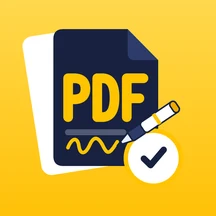
Get PDF Partner. It's free for reading and signing this document, and works for any Gate Ready SWMS you're sent later. Then follow the steps above.


Look for this icon in the store. Once it's installed, open the PDF you were sent in PDF Partner using Share or Open in.
Got a printed sheet? You can sign it with a pen. Or ask the person who sent it to share the PDF with you.
Make your own SWMS in minutes.
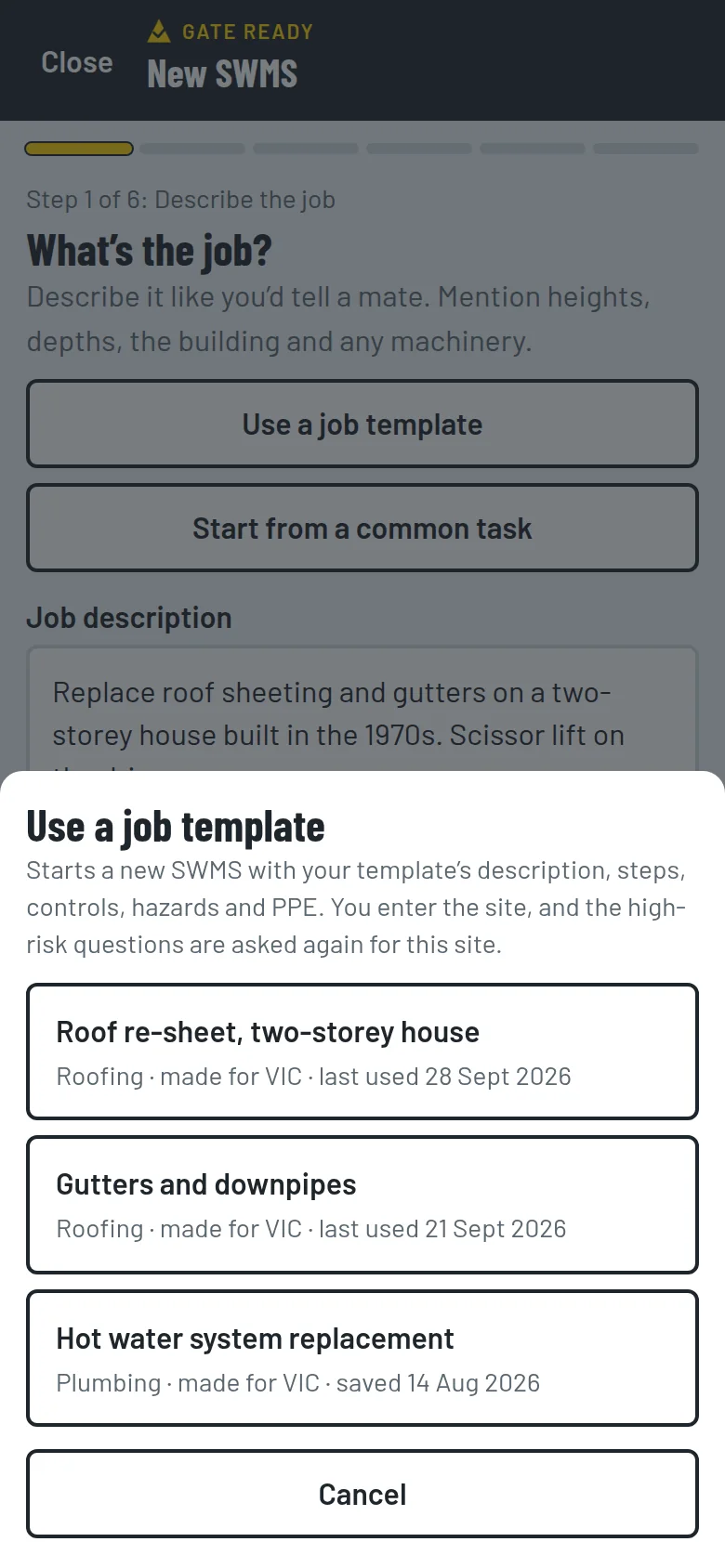
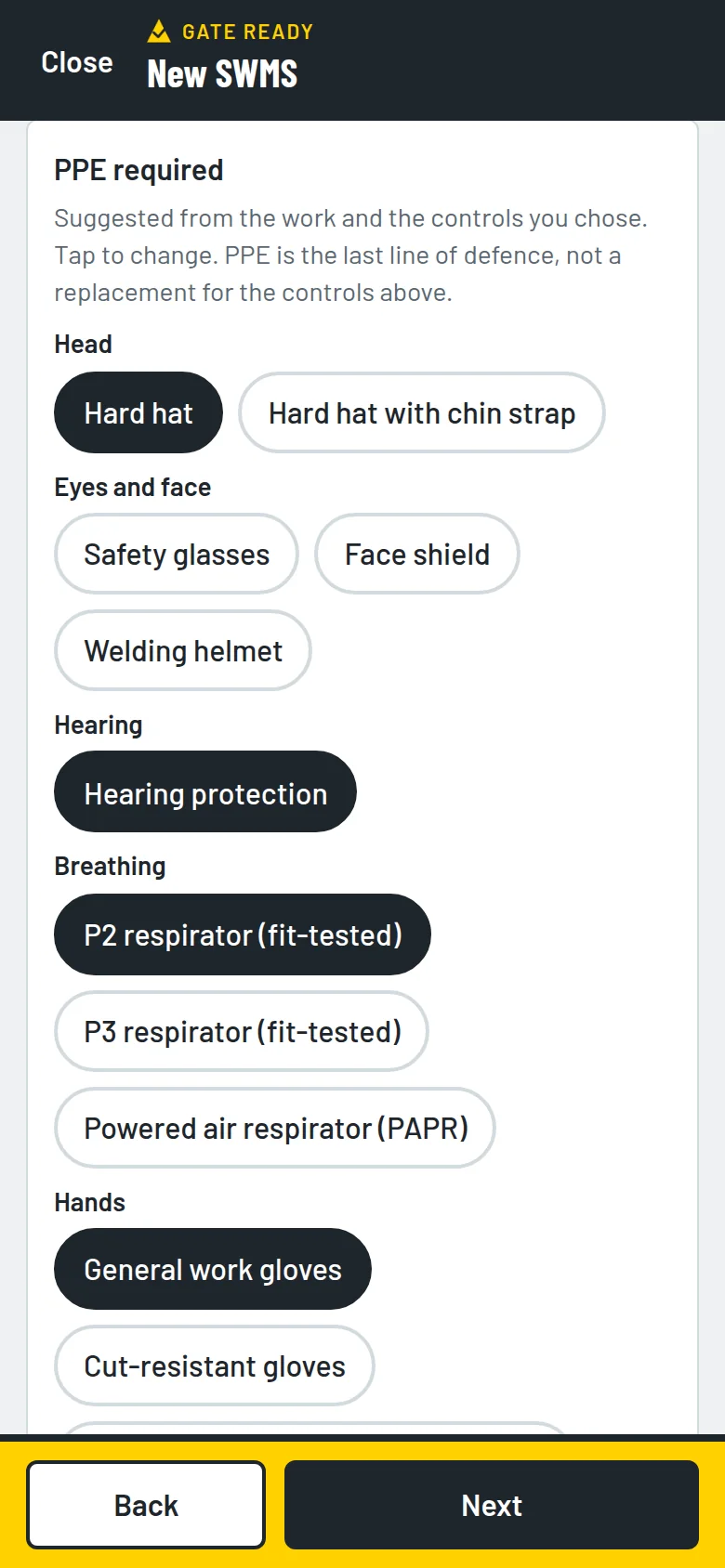
Gate Ready is a phone app for tradies. Describe the job, check the hazards and add site photos. Your crew signs on glass, and you share the PDF.
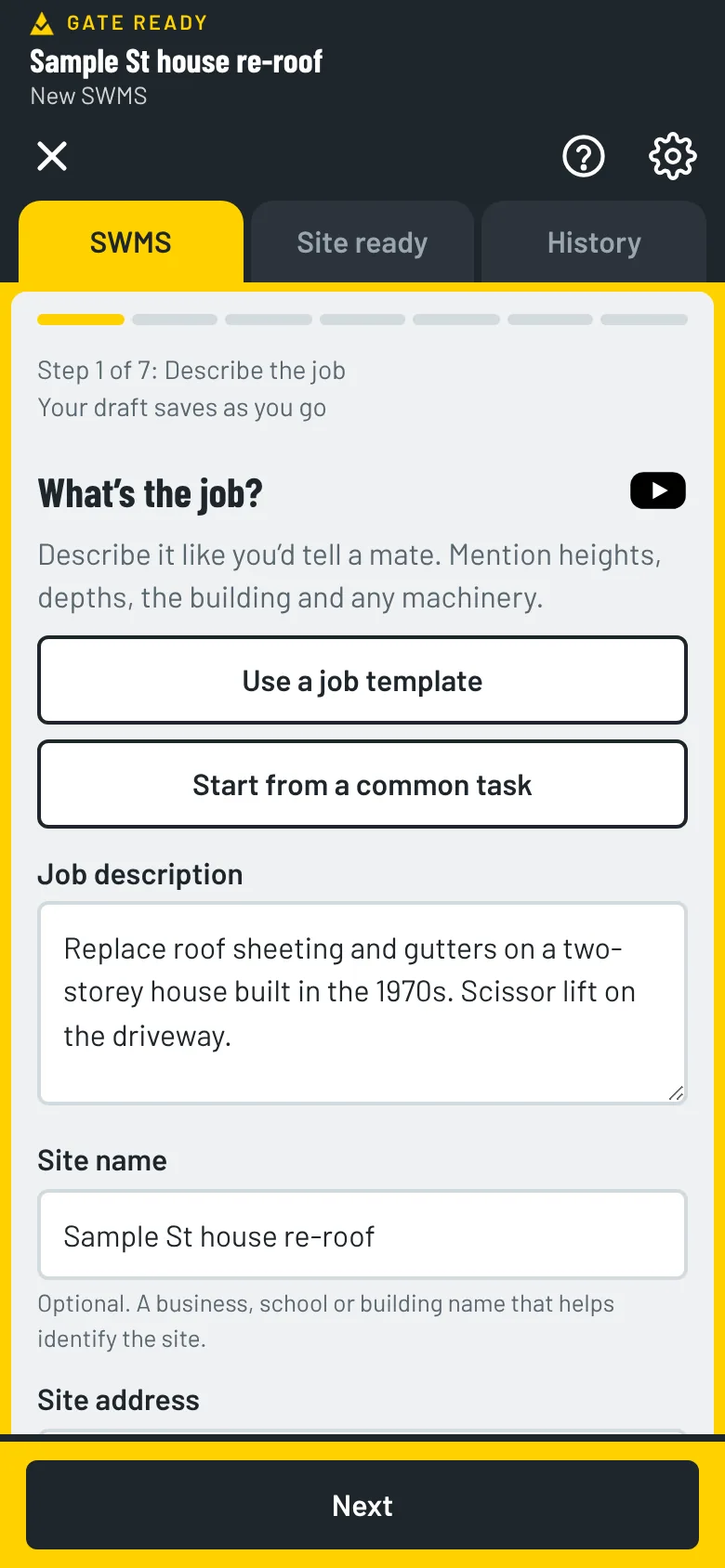
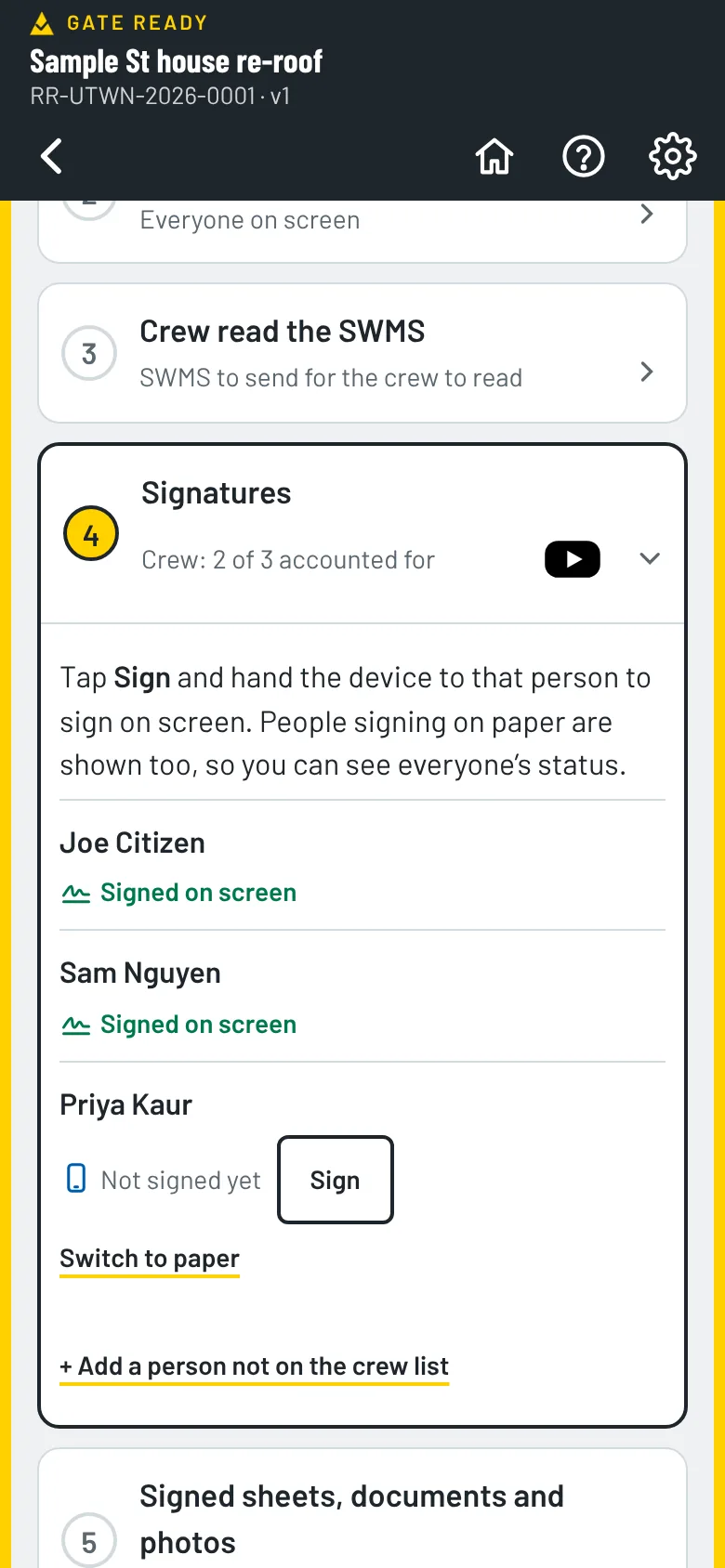
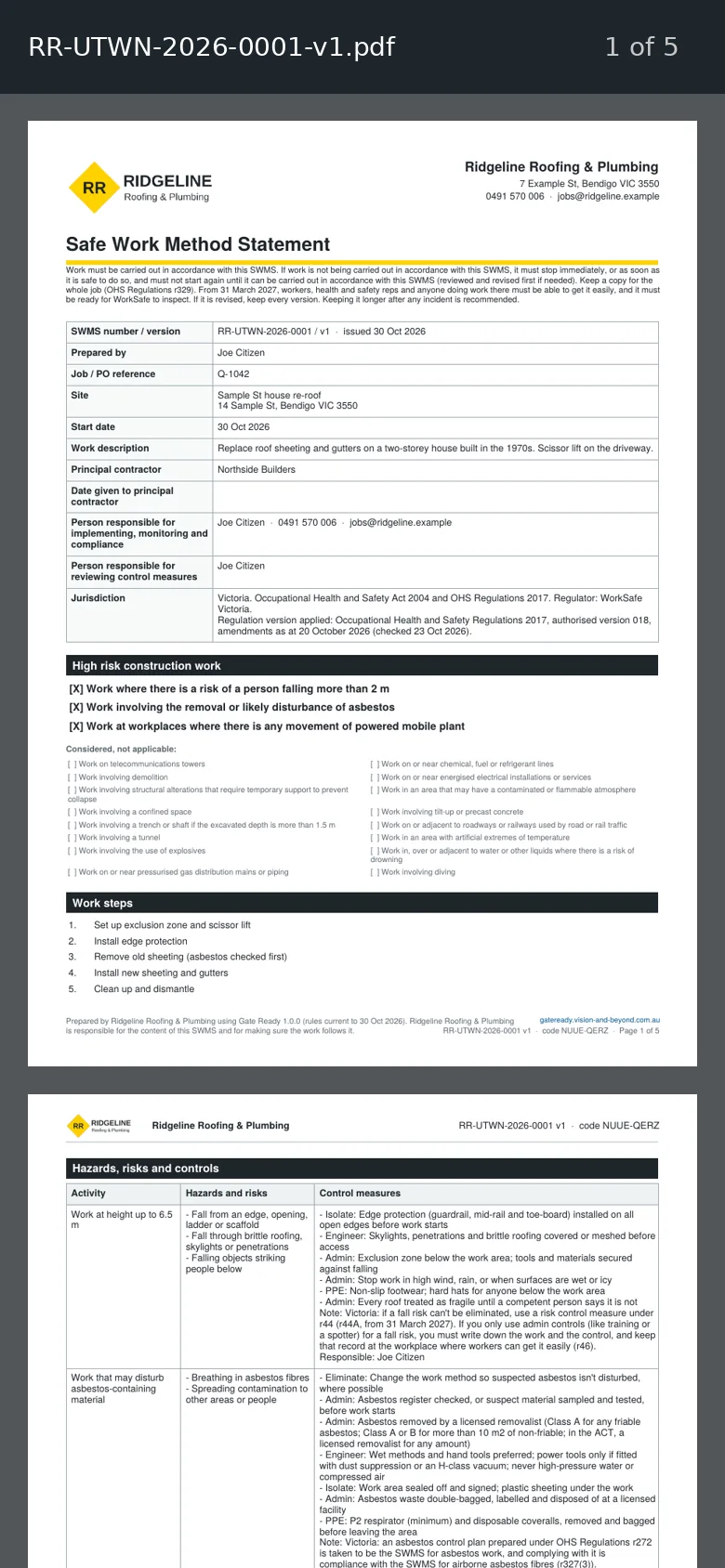
Your first SWMS is free. After that you get a one-month free trial, then $24.99 a month, GST included. The App Store or Google Play bills you, and you can cancel any time.
Get Gate Ready: SWMS for Tradies
Coming soon to the App Store and Google Play. Your first SWMS is free.
Questions? support@vision-and-beyond.com.au